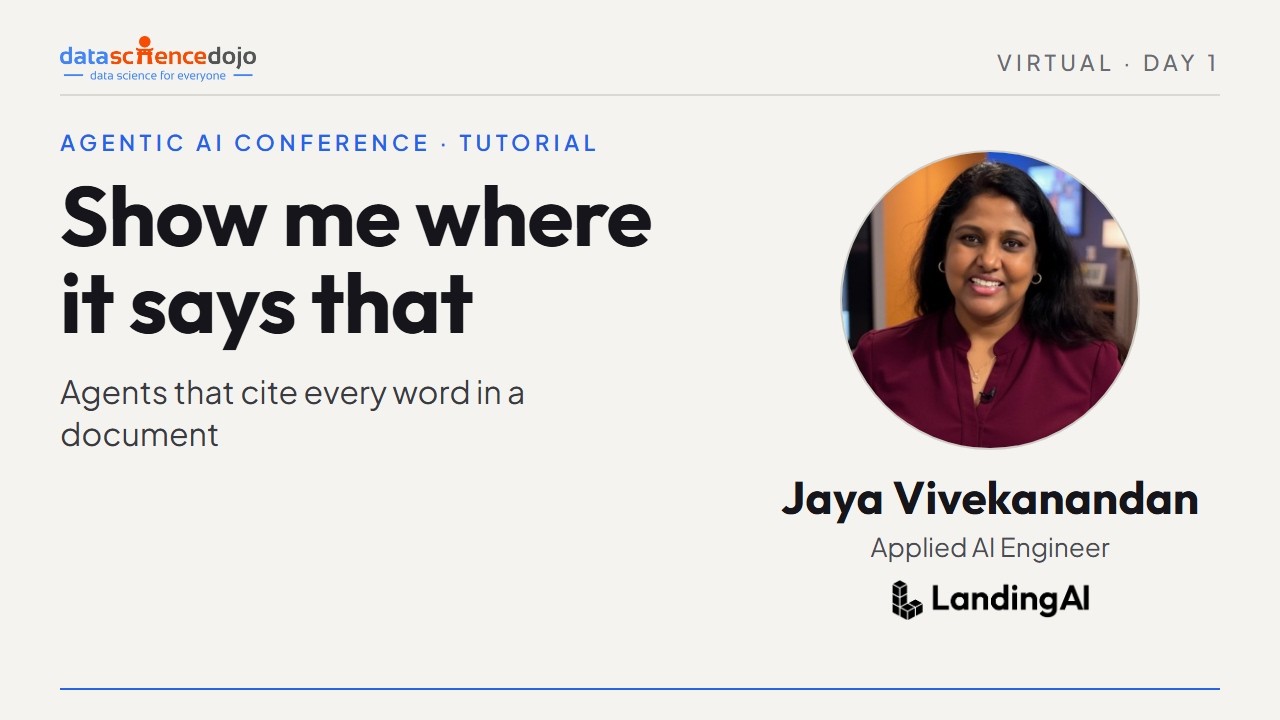
At Data Science Dojo's Agentic AI Conference on November 9–10, 2026, Jaya Vivekanandan, Applied AI Engineer at LandingAI, ran a hands-on working session built around one idea, which she summed up in six words: "Every value is grounded to its source."
The session used DPT-3 Verity, the newest parsing model in Agentic Document Extraction. Verity returns every word of a digitally created document with its page, its box on the page and a confidence score. Jaya walked through what those two signals make possible, then built a complete use case on top of them: finding every real edit between versions of a lease.
The full replay is below. The notebook is public in LandingAI's sample projects repository, and every parse and extraction is saved with it, so it runs without an API key.
Every word comes back with a location and a confidence score
Jaya framed LandingAI's work around a single goal: "our mission is to make the world's documents computable." Much of the information that runs banks, doctor's offices and law firms sits in documents that still need manual handling before an agent or a language model can use it.
The session focused on two APIs: Parse, which turns a document into Markdown and structured JSON, and Extract, which pulls specific fields from that output with a schema. Parse offers two DPT-3 models, Pro and Verity. Verity is lighter, faster and cheaper, and it has a defined range: digitally created documents in Latin-script languages such as English. Poor scans and heavy handwriting belong with Pro. Within that range, Jaya said, "for a vast majority of digital native documents, Verity performs really, really well at a fraction of the cost of Pro." Each two-page lease in the demo cost 0.7 credits to parse, less than a cent.
What sets Verity apart is the detail it returns. Alongside the Markdown, every word carries its coordinates on the page and a confidence score from 0 to 1. Jaya explained why that score matters with an invoice ID that mixes letters and digits: "With some fonts it's really hard to tell whether it's an O or a zero." When Verity makes that call without being sure, the score drops.
The first pattern built on these signals is citation. Search the parse for "$95" and you get its page, its box and a confidence of 1. Search for "Portland, Oregon" where the phrase wraps onto a second line, and you get two boxes, one for each line. Because the words are matched to their boxes directly, "you're not doing an image search," and the same lookup supports work such as redacting personal information.
A person checks only what needs checking
The second pattern is routing. In an invoice pipeline, most fields can flow straight into a system of record, while the uncertain ones get a human look. Because every word has its own score, a reviewer never needs to reread a whole document. In Jaya's words, "the human checks only what needs checking."
Teams choose a threshold by testing a representative sample of their documents. A high-stakes process might route anything below 0.97, while a marketing analysis might accept 0.8. Jaya noted that "within the same organization, different business processes, different use cases can choose to use different thresholds." The notebook uses 0.95, the threshold the Playground uses to highlight words.
Across the four leases, only a handful of words fell below 0.95, and they carried the session's most useful lesson. Verity read the heading "Alterations" as "Alteratioos" with a score of 0.68, a real misread. But the word "Tenant" scored 0.79 and the $75.00 late fee scored 0.87, and both were read correctly. As Jaya put it, "A low confidence score does not necessarily mean it is incorrect. It just means that the model is not completely sure if its output matches what came in in the input text."
Checking extracted values against the words they came from
The third pattern pairs Verity's words with Extract's output. The demo schema pulls lease terms such as the landlord, tenants, monthly rent, deposit, late fee and term dates. Extract returns each value with evidence pointing to the passage it came from, and Verity's words narrow that passage down to the exact words on the page.
That makes every extracted value checkable. If a value can't be found among the words it cites, it goes to a person. Jaya showed this with a tenant name she had changed by one letter: the check reported it as not present in the cited words and flagged the extraction as potentially incorrect. The same check catches a late fee extracted as $75 when the page says $95. "It's a second layer of accuracy check that you could use," she said.
Use case: version control that ignores layout changes
The session's main build was document version control, something Jaya said customers care about a lot. Comparing two PDFs line by line sounds simple, but it breaks as soon as the layout shifts. A new font, different margins or one added sentence re-wraps every line after it. As Jaya put it, "everything gets called out as a difference but honestly what you care about is where the content changes."
The demo set includes a copy of the first lease with the same words in a new font and margins. A plain line diff of the PDF text reports 64 changed lines for it. The Verity pipeline reports none. "The line breaks did not affect the comparison," Jaya said.
The pipeline is short. Parse each version with Verity, flatten text and table cells into one reading-order stream of words without headers and footers, and line the two streams up with Python's difflib. Whatever doesn't match is an addition, a removal or an edit. Because every word keeps its box, each change is drawn back onto the original pages. Alignment found every planned edit: all six between the first two versions, including a rent increase, a term that moved from July to August, a notice period that went from thirty to sixty days, a dropped parking clause and the late fee inside a table cell, then all five between the second and third. It also flagged one thing that was not an edit, the "Alteratioos" misread.
Confidence plays a supporting role here, and the notebook shows how easy it is to misuse. Hiding every low-confidence difference removes the misread, but it also hides the late fee's change from $75 to $95, because "$75.00" scored 0.87. The rule that works sets a change aside only when the two sides are nearly identical, a word is below 0.95 and no digits are involved. With that rule, the pipeline found all 11 edits with no false positives.
The same approach fits anywhere revisions pile up, from contracts and test plans to policy documents. For more on the document itself, see the residential lease page.
From the Q&A
Audience questions covered the edges of the model and how it fits into production.
Figures and charts. Pro describes figures and turns charts into data tables, estimating bar heights from the axis when the values aren't printed. Jaya used a turbine diagram to show why that matters for retrieval: if parsing never captures which blades the legend marks as broken, no amount of vector search can answer a question about them. "So even before your large language model enters the picture, your pipeline is already broken in the much earlier stages." For diagrams and graphs she recommended Pro, since "Verity is basically built for text and tabular data."
Tuning confidence scores. Asked whether customers can change how scores are computed, she was direct: "But is this a capability we offer to our customers? The honest answer is no." The scores come from the model itself.
Testing. For evaluations, she recommended defining extraction fields and ground-truth values for a set of documents, "which is honestly how evals work in production scenarios as well," and using an LLM as a judge against a rubric where answers need a semantic match rather than an exact one.
Deployment and data residency. Zero data retention is available on Team and Enterprise plans, with US and EU endpoints, and Enterprise customers can also deploy in their own VPC or data center.
Languages. Pro supports a wider range of languages, at strong, moderate and basic levels. The language support page has the current list.
Try it yourself
Clone the Verity Citations notebook, which runs offline on the saved lease parses, then try the same patterns on your own documents in the Playground. To choose between the two models, compare Verity and Pro.
Thanks to Data Science Dojo for hosting the session.